

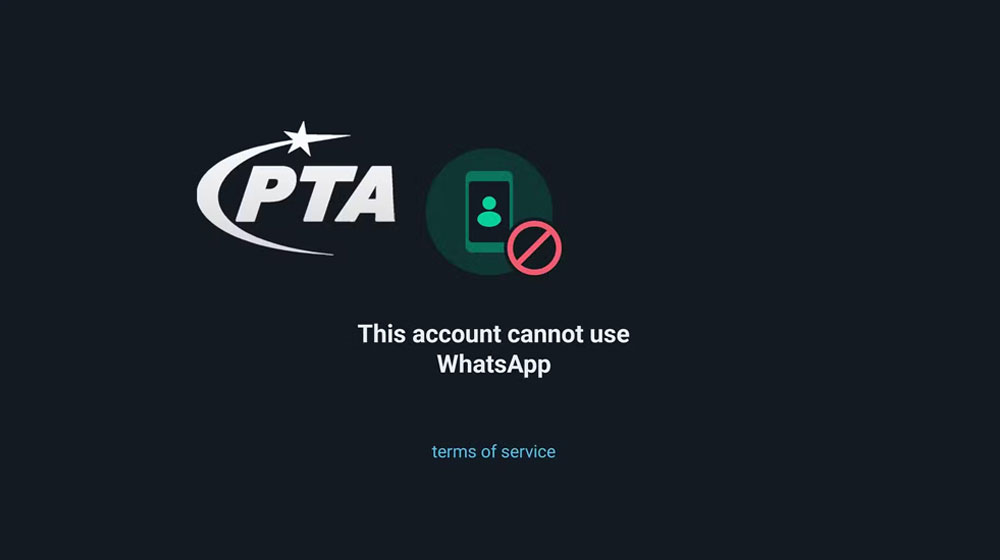
The Pakistan Telecommunication Authority (PTA) has started blocking WhatsApp accounts linked to inactive SIM cards, PTA officials have confirmed. The PTA WhatsApp block follows months of warnings asking users to keep their accounts on mobile numbers they still own and use.
If your WhatsApp is registered on a SIM that has been switched off, cancelled or thrown away, your account is at risk. People who use WhatsApp on their current, active number do not need to do anything.
Why old numbers are a problem
When a SIM stays unused for a long time, the mobile company can close it and later give the same number to someone else. If your WhatsApp is still tied to that number, the new owner could get into your account, or you could lose it.
PTA says WhatsApp accounts on dead numbers have also been used for fraud and other illegal activity. Blocking them is meant to cut off that misuse.
The PTA has said your account may be at risk in three cases:
- the SIM was closed after a long time without use or recharge
- the number is registered in someone else’s name
- the SIM failed biometric verification or re-verification
Months of warnings came first
The blocking did not come without notice. In May 2026, PTA warned on X that WhatsApp accounts on inactive or unregistered SIMs could become inaccessible. It repeated the advice in late June with the slogan “Protect Your WhatsApp. Protect Your Digital Identity.”
In September, PTA said it had decided to block such accounts and that the process could begin at any time. That process has now started.
How to check your SIM
First, find out which SIMs are registered in your name. Send your CNIC number by SMS to 668. The reply lists the SIMs on your CNIC.
If the SIM your WhatsApp uses is inactive or registered to someone else, visit your nearest franchise or customer service centre for biometric verification. PTA also runs a help service on WhatsApp at 0315-0055055.
How to move WhatsApp to a new number
If you now use a different SIM, move your WhatsApp to it with the app’s Change Number option. Do this while WhatsApp still works on your phone, because it becomes harder once the account is blocked.
Open WhatsApp and go to Settings, then Account, then Change Number. Enter your old number and your new one, and confirm with the code sent to your new SIM. Your chats, groups and settings move with you, and you can choose to tell your contacts about the change.
For extra safety, also turn on two-step verification in the same Account menu. It adds a PIN that anyone would need to set up WhatsApp on your number.