
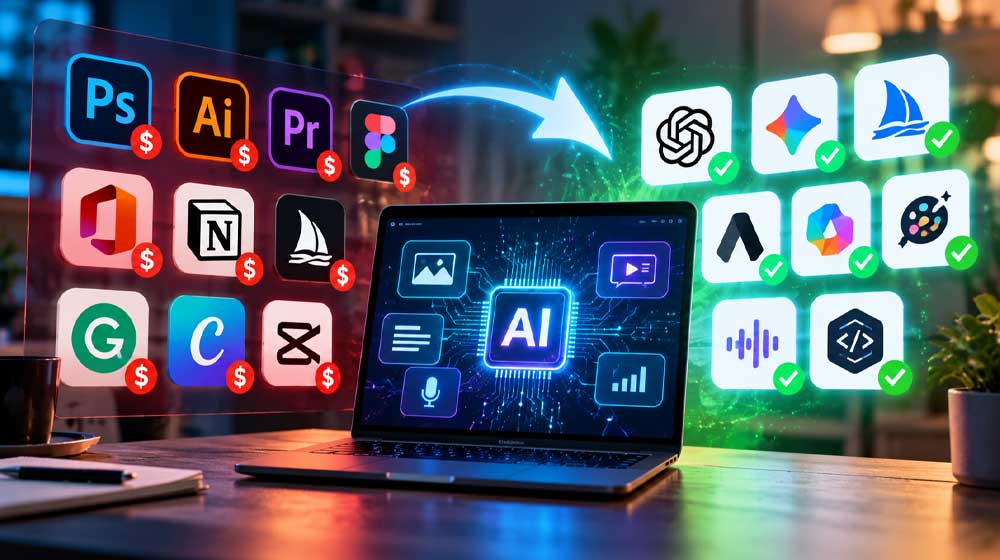
Paying for AI every month adds up fast in rupees. ChatGPT Plus costs $20 a month, and GitHub Copilot Pro, a popular coding helper, costs $10. At the interbank rate of Rs. 276.80 per dollar on October 27, 2026, that is about Rs. 5,536 and Rs. 2,768 a month, before bank charges. Together, that is almost Rs. 1 lakh a year.
There is a free route. These free AI tools are open-source, which means anyone can download and use them at no cost. Most can run fully on your own computer, so your files and chats stay on your device instead of going to an online service.
The catch is your computer. Free software still needs decent hardware, and some setup. More on that at the end.
Your own ChatGPT at home
Three tools work together to give you a ChatGPT-style assistant that runs offline.
Ollama is the engine. It downloads AI models and runs them on your computer. Once set up, it can write, summarise, brainstorm and help with code without an internet connection. Website: https://ollama.com/

Open WebUI is the chat window that sits on top. It looks a lot like ChatGPT, lets you organise conversations and upload documents, and connects directly to Ollama. Getting the two working together takes some setup, so it suits people comfortable with installing software. Website: https://openwebui.com/

Jan is the easier, all-in-one option. It is a desktop app with its own chat screen, so you can download a model and start chatting from one place. Good for beginners who want privacy without the technical steps. Website: https://jan.ai/

Ask questions about your files
AnythingLLM is built for working with documents. You create separate workspaces, upload files such as reports or PDFs, and ask the AI questions about them. Students and office workers can use it to summarise long documents or pull out key points for a report. Results depend on which AI model you use and how strong your computer is. Website: https://anythingllm.com/

Make images without a subscription
ComfyUI creates AI images and videos. Instead of a simple text box, it uses a visual workflow where you connect steps like building blocks. This gives designers and content creators much more control than paid image apps. The downside is that it is harder to learn, and complex images or video need a powerful graphics card. Website: https://www.comfy.org/

A free coding helper
Continue is an AI assistant for programmers. It plugs into popular code editors and helps write code, explain existing code and review changes. You can link it to a model running on your own computer through Ollama, which makes it a free alternative to paid coding helpers. How well it works depends on the model you choose. Website: https://www.continue.dev/

Turn recordings into text
Whisper is a speech-to-text tool made by OpenAI, the company behind ChatGPT, and released for free. It turns recordings of interviews, meetings, lectures and calls into written text. It handles many languages, including Urdu, though results in Urdu may be less accurate than in English. Speed depends on your computer and the size of the model. Website: https://github.com/openai/whisper

What your computer needs
Memory (RAM) matters most. As a rough guide, Ollama recommends at least 8GB of RAM for smaller 7B models, 16GB for 13B models, and 64GB for very large 70B models. The “B” stands for billions of parameters; bigger models are smarter but much heavier.
A graphics card (GPU) helps a lot. A typical 7B model needs about 4 to 6GB of graphics memory and runs well on an 8GB card. Without one, the tools still work on the processor alone, but replies come more slowly.
Keep internet data in mind too. Each model is a large download, often several gigabytes, so use Wi-Fi rather than mobile data for the first setup.
If your laptop has 8GB of RAM or less, start with Jan and a small model. If you have a gaming PC with a good graphics card, you can try all seven.