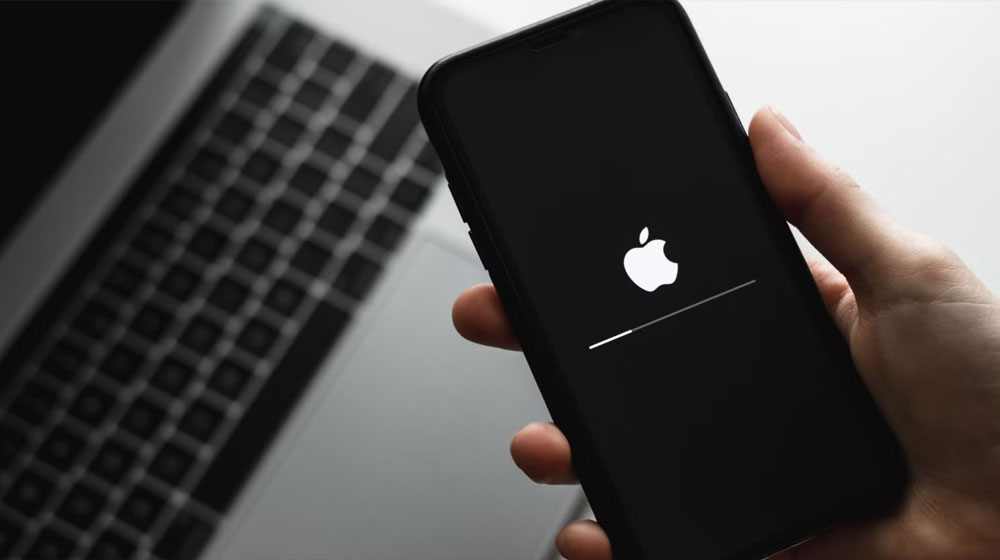
The National Computer Emergency Response Team (CERT) has issued a critical advisory for all iPhone users following a spike in sophisticated cyberattacks targeting mobile devices. With hackers increasingly exploiting unpatched vulnerabilities to gain unauthorized access and steal sensitive data, the agency is calling for immediate security actions from the public.
Key Threats Identified by CERT
The recent advisory highlights several “zero-day” vulnerabilities—flaws unknown to the developer until the attack occurs—that have been seen in the wild. Specifically, vulnerabilities like CVE-2026-20700 have allowed attackers to execute arbitrary code on devices, potentially leading to full system compromise.
The primary risks include:
- Spyware & Remote Hacking: Malicious actors using “exploit kits” like the newly discovered DarkSword to remotely monitor user activity.
- Phishing & Malicious Links: Increased spear-phishing attempts via SMS and email designed to harvest Apple ID credentials.
- Data Theft: Exploitation of outdated WebKit (browser) versions to bypass security protocols.
Recommended Security Precautions
To safeguard your personal information, National CERT recommends the following immediate steps:
- Update Your Software Immediately Ensure your device is running the latest version of iOS. As of March 2026, users should be on iOS 26.3.1 or the latest available patch for their specific model. Updates contain critical “Background Security Improvements” that block known exploit paths.
- Path: Settings > General > Software Update.
- Enable Lockdown Mode For individuals in sensitive professions (journalists, government officials, or activists), CERT suggests activating Lockdown Mode. This is an extreme level of security that restricts certain web technologies and apps that are commonly used as “doors” by hackers.
- Path: Settings > Privacy & Security > Lockdown Mode.
- Strengthen Your Apple ID A strong, unique password is no longer enough. You must activate Two-Factor Authentication (2FA). This ensures that even if a hacker has your password, they cannot access your account without a physical code sent to your trusted devices.
- Verify Before You Click Treat every unsolicited link with suspicion. Cybercriminals often masquerade as official Apple support or bank alerts to trick you into entering your credentials on a fake login page.
How to Report Unusual Activity
If you notice your phone behaving strangely—such as rapid battery drain, unexpected reboots, or apps opening on their own—report the incident to your local National CERT branch or via the official Apple Support portal.